SEKKI QuickStart
Start a shift in seconds with venue QR codes
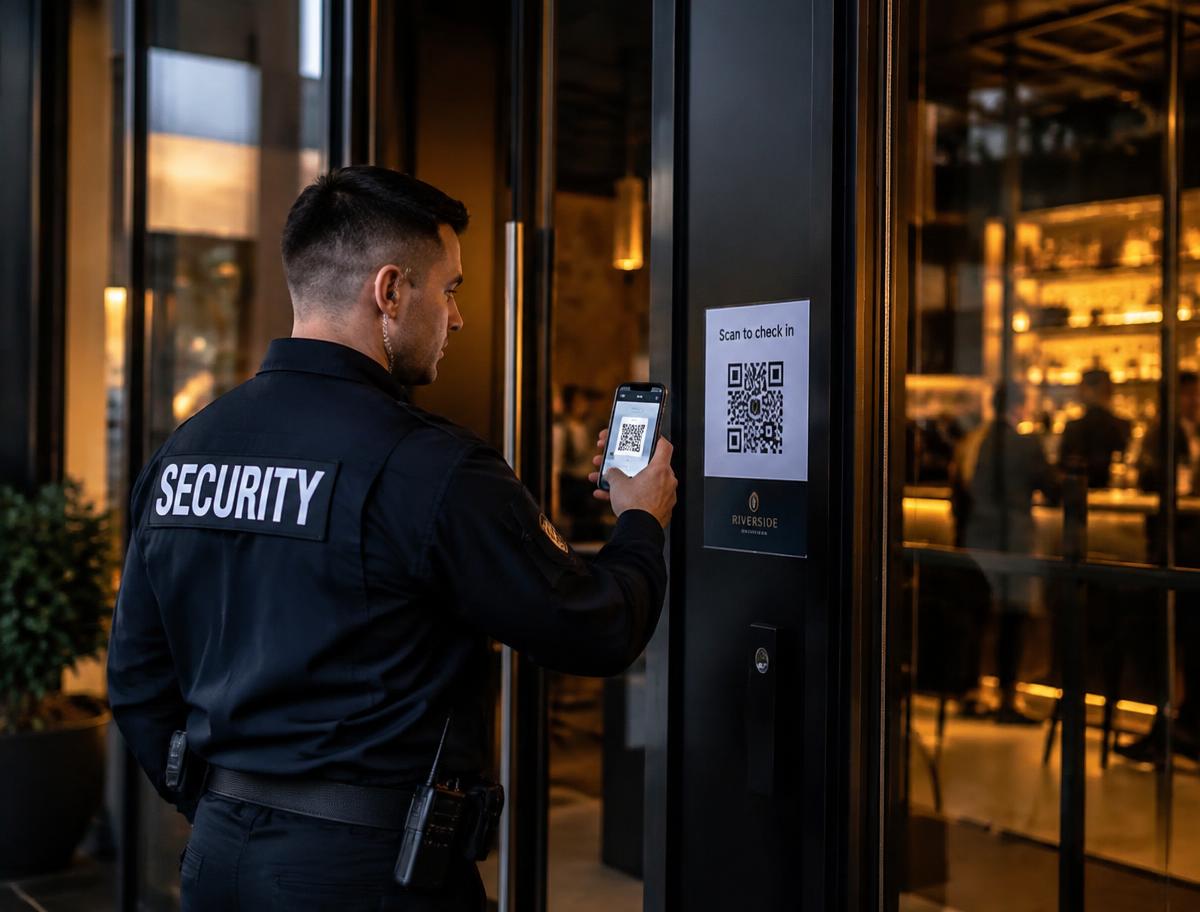
Guards scan the venue's QR code to sign on. SEKKI records who, where and when using server timestamps, with breaks and supervisor corrections kept in a full audit trail.
- 1Log into SEKKI
- 2Select the company
- 3Open the assigned shift
- 4Scan the venue QR code
- 5Confirm and start the shift
- 6Record breaks, then finish
Rotating QR challenges
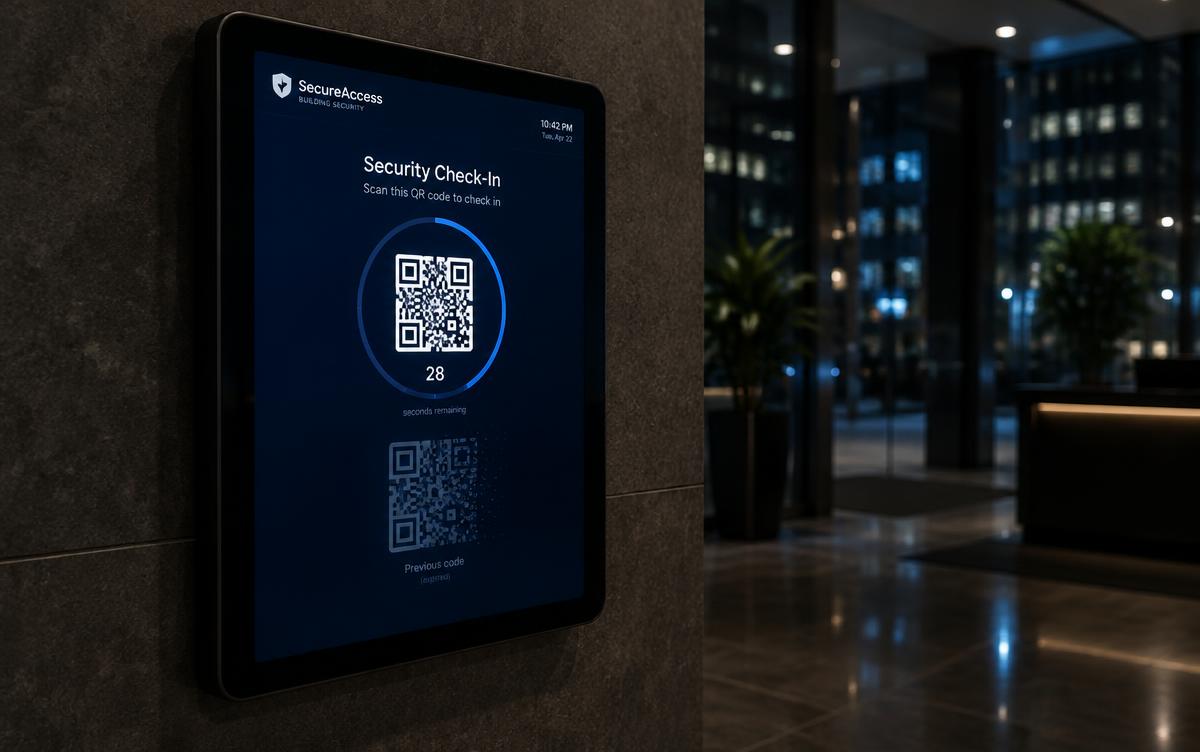
Codes expire and rotate to prevent screenshots and fraudulent sign-ons.
Duplicate-shift protection
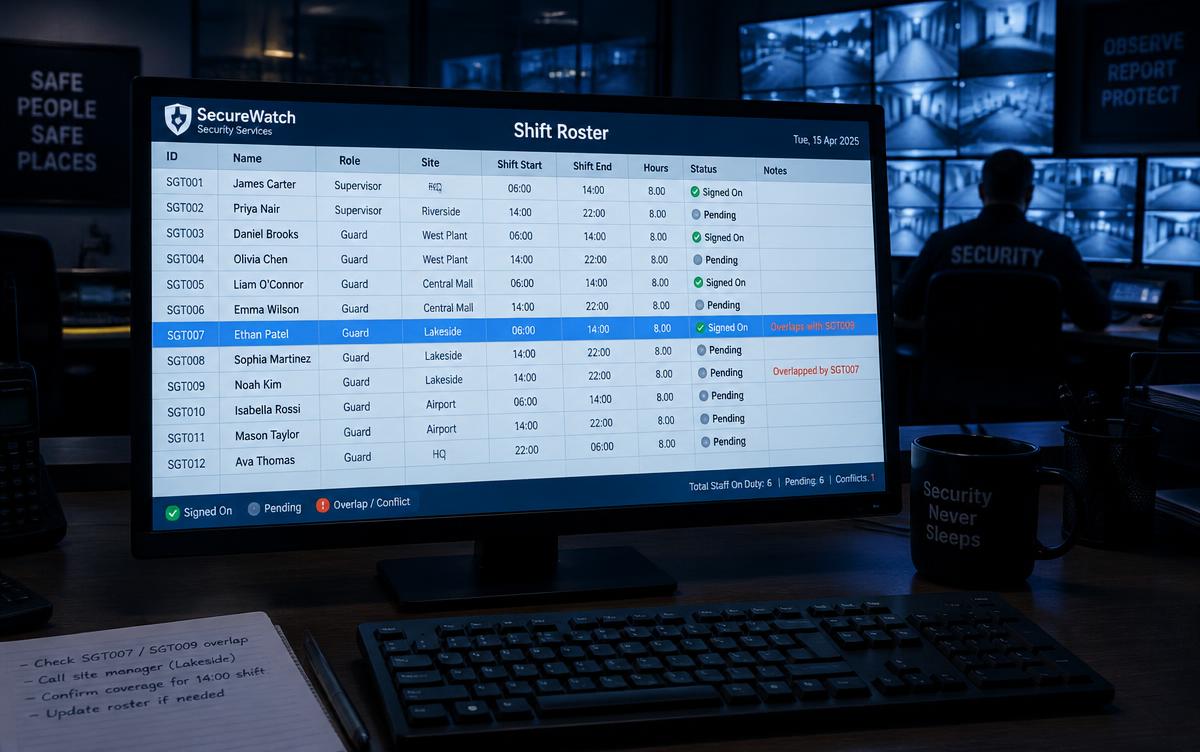
A guard cannot be signed on to two overlapping shifts.
Optional GPS evidence
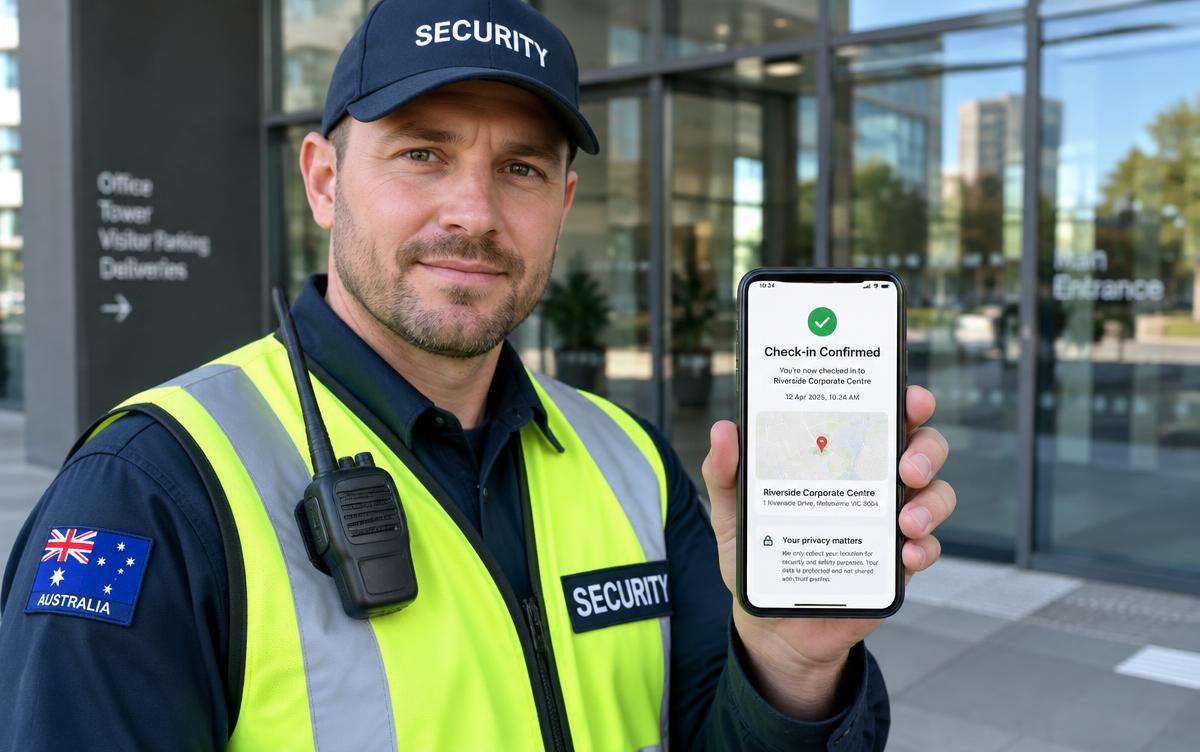
Location is only captured at check-in when the company has a disclosed, lawful purpose.
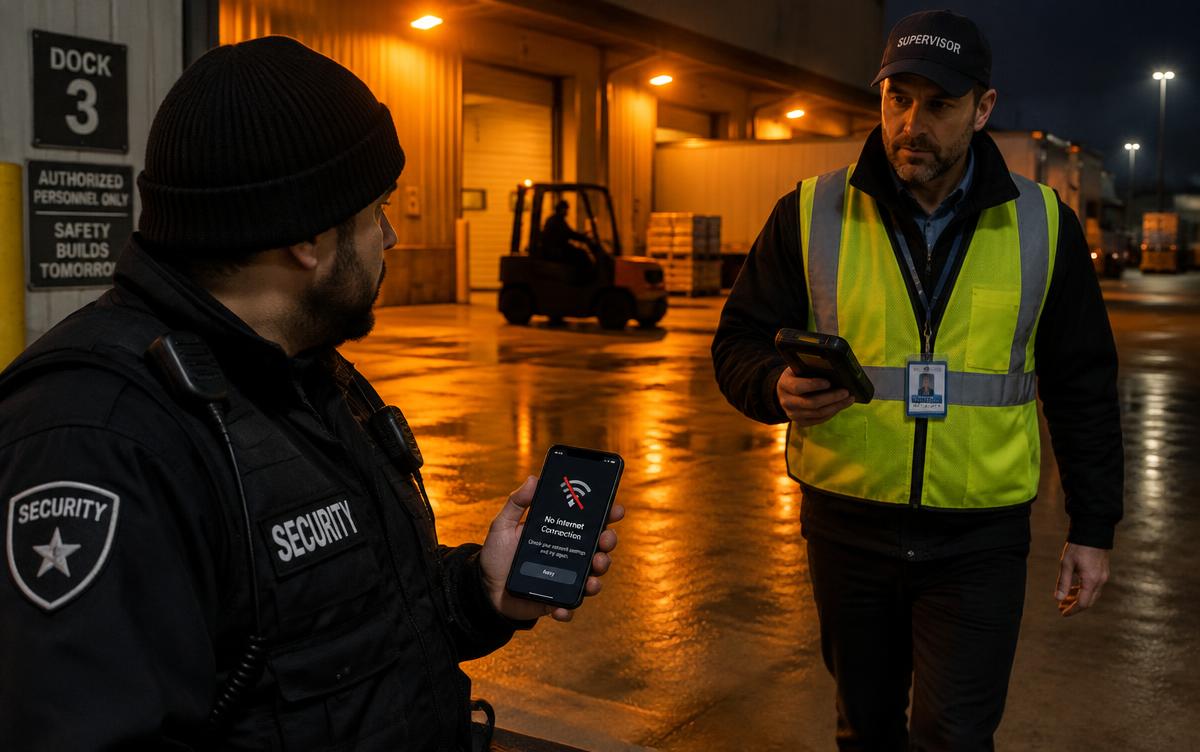
Secure manual fallback
When scanning or connectivity fails, supervisors can approve an audited manual sign-on.
Try it
Walk through a shift
A simulated shift — scan the venue code, take a break, and sign off. No real data is recorded.
Venue code refreshes every 30s
Shift record
Nothing yet. Scan the venue code on the phone to sign on — every action lands here with a server timestamp, exactly as it would for a real shift.
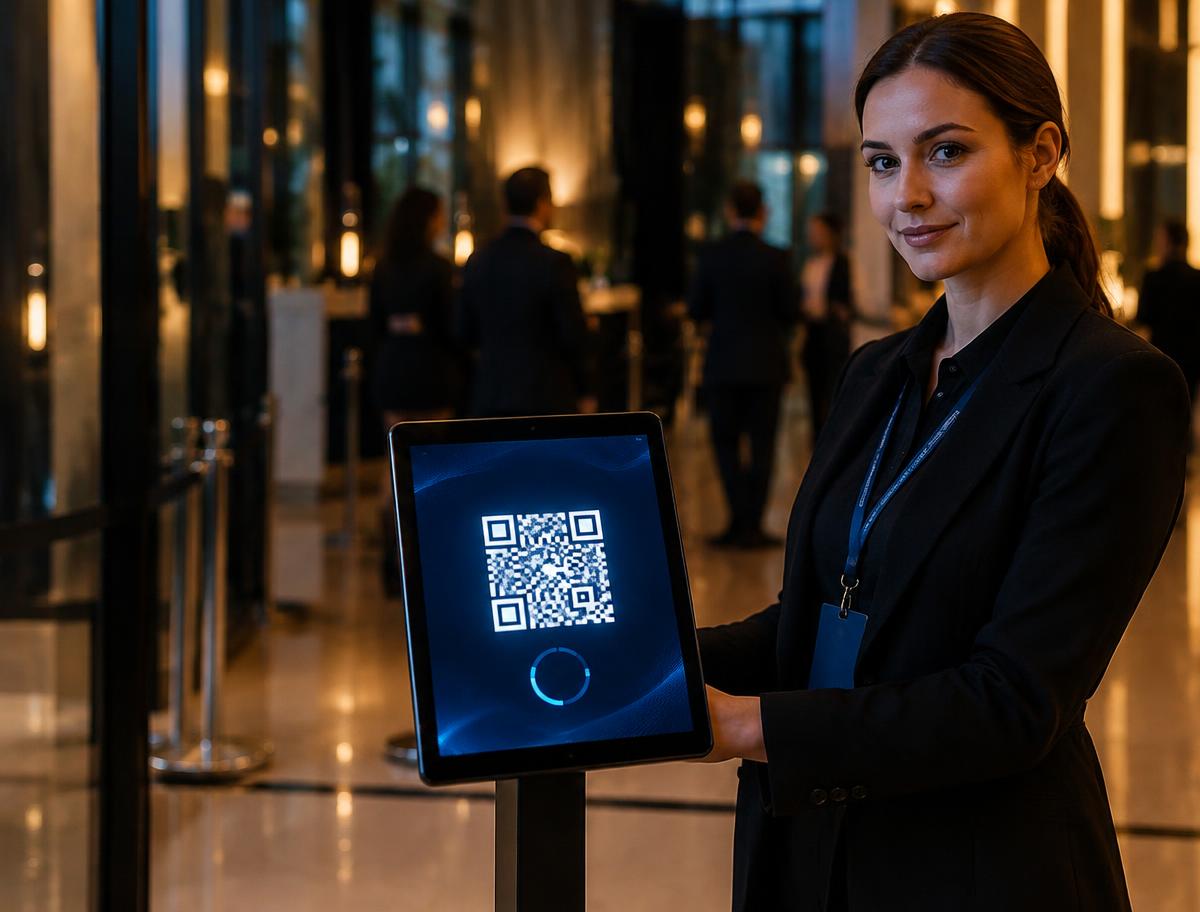
The code lives at the venue
Each site shows its own code on a tablet or screen. It expires and refreshes every 30 seconds, so a screenshot from yesterday signs nobody on.
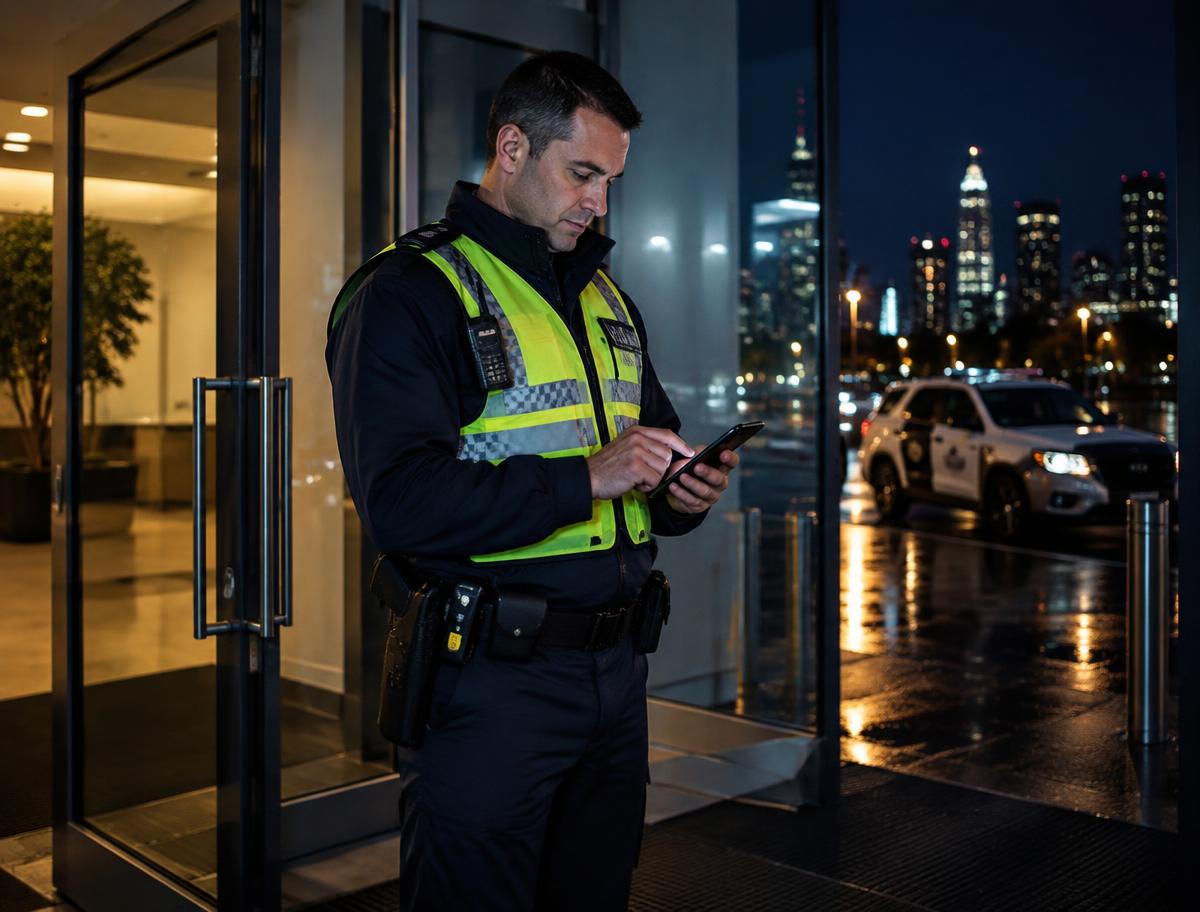
Breaks and sign-off
Guards record breaks and sign off from the same screen. The shift record closes with a server timestamp the supervisor can audit.
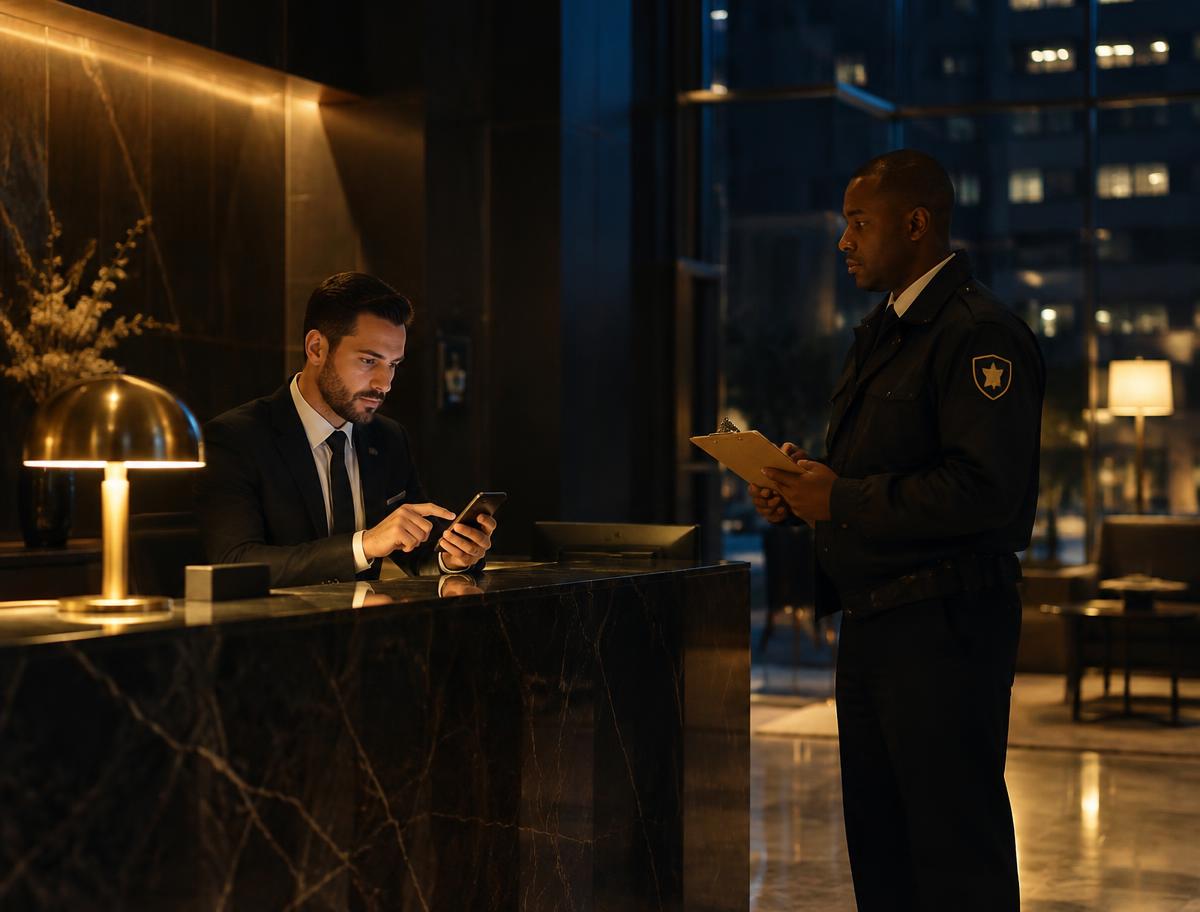
Manual fallback, fully logged
If a guard's phone or the venue's connectivity fails, the supervisor approves a manual sign-on — and the approval itself is logged.
The digital sign-on workflow is designed to support NSW record-keeping and should be reviewed by your legal adviser.